
Google Business Profile video: the free placement most Denver businesses ignore
Short version: when someone in Denver searches for a restaurant, a roofer or a salon, they are usually deciding on the Google Business Profile, not the website. The profile supports video. Almost nobody uses it. A thirty-second cut of the room or the work, refreshed every month or two, is the cheapest conversion improvement a local business can make, and it is where AI answer engines look first for local businesses.
| What | Spec |
|---|---|
| Length | Up to 30 seconds |
| File | Under 75 MB, 720p or better, shot by you or your crew (not stock) |
| Where | Your profile, under Photos, as a video; in the Google Maps app the same way |
| What to show | The room or the work; no text overlays, no hard sell |
| How often | A fresh one every month or two; keep three to five live |
Why the profile matters more than the website
For local searches, Google shows the map pack and the profile before the website, and most people never leave it: hours, photos, reviews, directions, call, book. For AI answers, recent studies of local-service citations found Google Business Profile is the single most-cited source, ahead of directories and the business's own site. Your profile is the storefront; the website is the room behind it. Most Denver businesses have a photo of the sign from 2019 on theirs.
What to upload
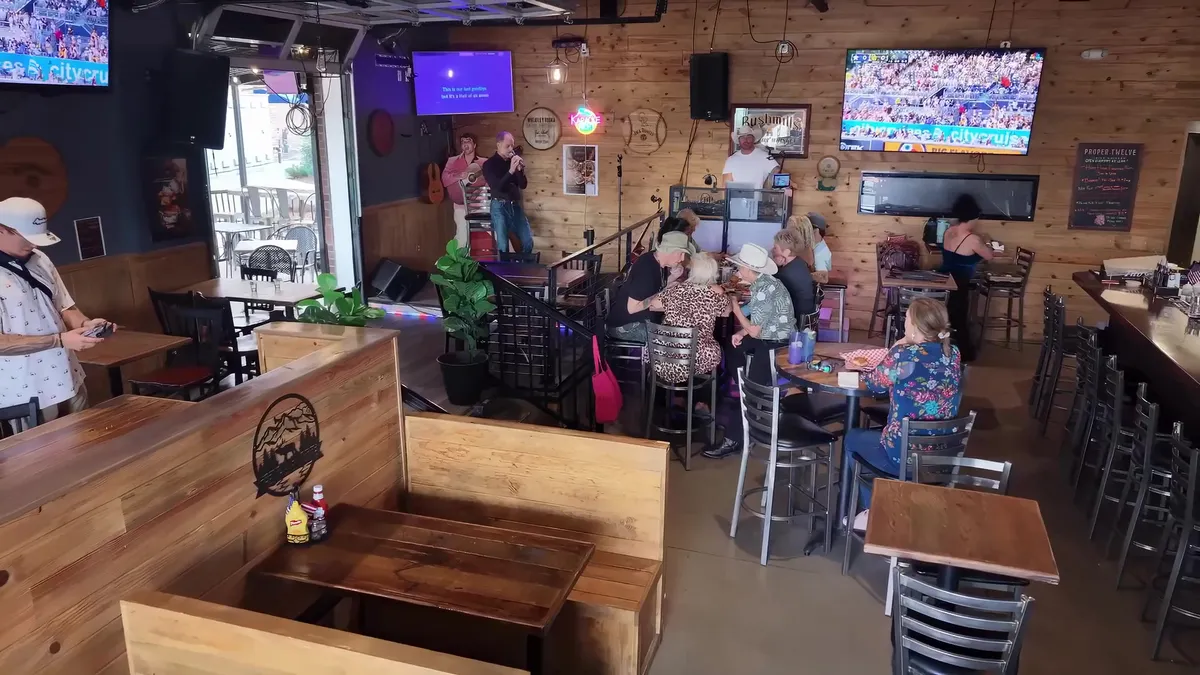
The thirty-second version of your brand video: the room at its best hour for a restaurant or bar, a finished job with the crew for a contractor, the chair and a reveal for a salon, the floor during a class for a gym, the bay and a reveal for a specialty auto shop. No text, no offer, no hard sell; people on the profile are deciding and the video's job is to show them what they are deciding about. The wide cut from a monthly plan is cut to thirty seconds for exactly this, and the same cut goes on the website and the pinned post, so everything matches.
How to upload it
- Open your Business Profile (search your business name on Google while signed in, or use the Maps app).
- Choose Photos, then Add, then select the video file. It can take a few minutes to appear.
- Keep three to five videos live and replace the oldest when a new one is delivered.
- Add a video to a Google Post as well when you have a launch, a season or an event.
Keep it fresh, and keep the rest of the profile honest
A fresh video every month or two does two things: it keeps the profile looking alive to people and to Google, and it gives AI engines something current to describe. The rest of the profile has to match: primary category right, services listed with a sentence each, hours current, the same name, address and phone as the website, reviews answered. Stale profiles get described as stale.
Where the videos come from
Every monthly plan produces a wide cut for the website and Google and vertical reels for social, from the same shoot, graded the same way. The thirty-second Google cut is part of delivery. Which cut goes where is in reels vs. cinematic video, and what we make for your kind of business is on the video production company page.
Questions this article gets asked
Can you add video to a Google Business Profile?
Yes. Google Business Profile accepts short videos, generally up to 30 seconds and 75 MB, uploaded under Photos as a video, and shows them to people viewing your profile.
What video should a business put on Google?
The room or the work, in thirty seconds, with no hard sell: a restaurant's dining room and a dish, a contractor's finished job, a salon's chair and a reveal. People on your profile are deciding; show them what they are deciding about.
Does Google Business Profile video help local SEO?
It helps the profile convert, which is what the map pack rewards over time, and it keeps the profile fresh. It also gives AI answer engines, which cite Google Business Profile more than any other source for local services, something real to describe.
Want this done for your business? Book a free 20-minute consultation — Branden calls you, no pitch deck.

